Every WebRTC SDK requires a short-lived access token to join a room. The mistake we see most: customers stand up a separate Node service just to mint tokens.
You don't need a new service
Your existing auth system already authenticates the user. After a successful auth, your backend can mint the WebRTC token using the SDK's secret and return it in the same response.
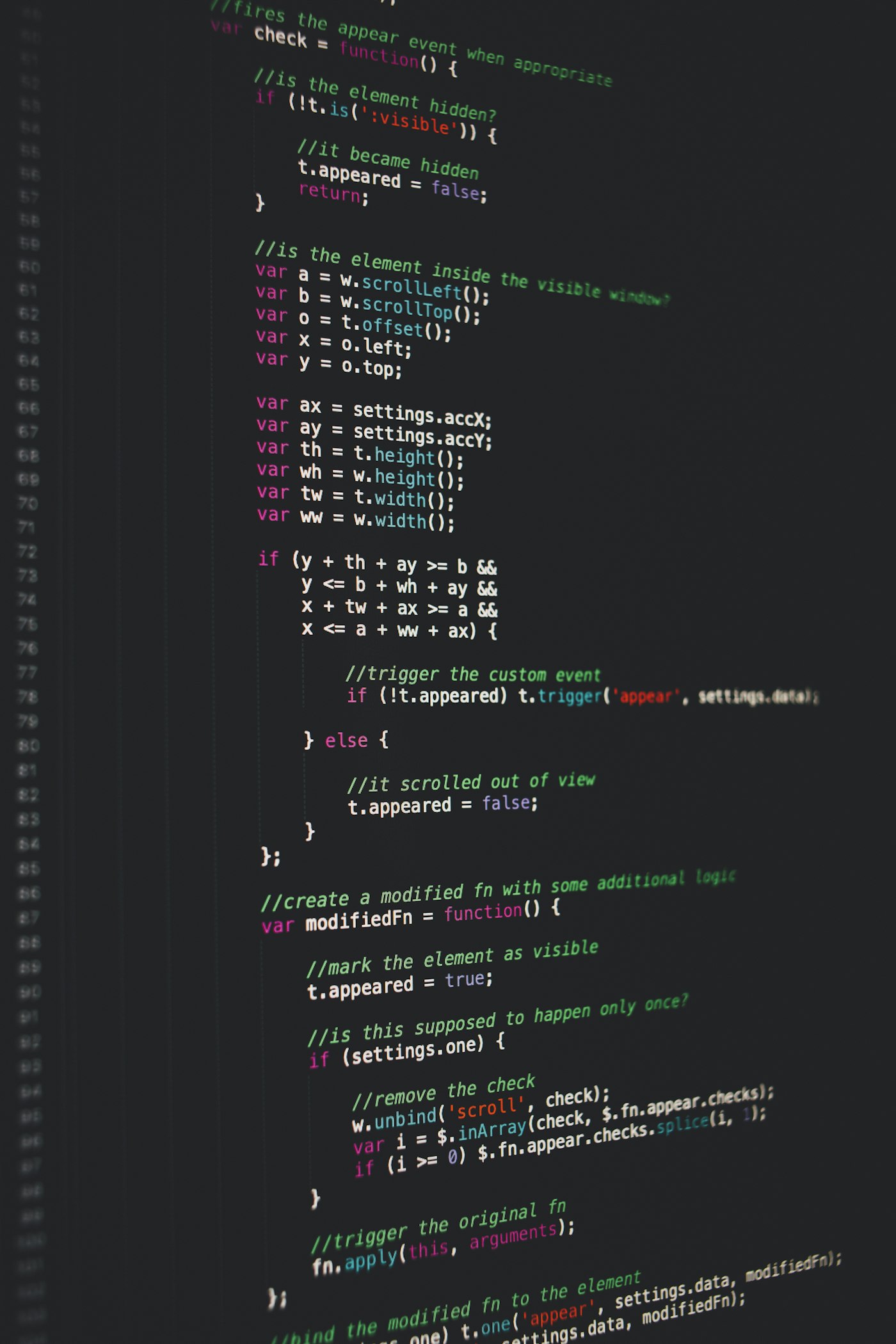
// Laravel example with LiveKit
public function joinCall(Request $request, Room $room) {
    $user = $request->user();
    $token = (new AccessToken(env('LIVEKIT_KEY'), env('LIVEKIT_SECRET')))
        ->setIdentity($user->id)
        ->setName($user->name)
        ->addGrant((new VideoGrant)->setRoomJoin()->setRoom($room->name))
        ->setTtl(60 * 60); // 1 hour
    return response()->json(['token' => $token->toJwt()]);
}
That's it. No new service. The token is bound to your user, expires on your terms, and uses your existing auth as the source of truth.
Two rules
- Never mint tokens client-side. The SDK secret should never reach the browser.
- Set short TTLs. One hour is plenty for most calls. If a session runs longer, refresh.
Get the full integration
Stop reading. Start shipping.
Pick a plan and we'll have working WebRTC video calling on your dashboard inside the delivery window.